Create Working Record
To create a work record to see the time in-out the work of employees in the company. Can be created with the following steps.
1. Click<Create Working Record>from the main menu or double-click from the left menu. <Working Record> double-click menu <Create Working Record>
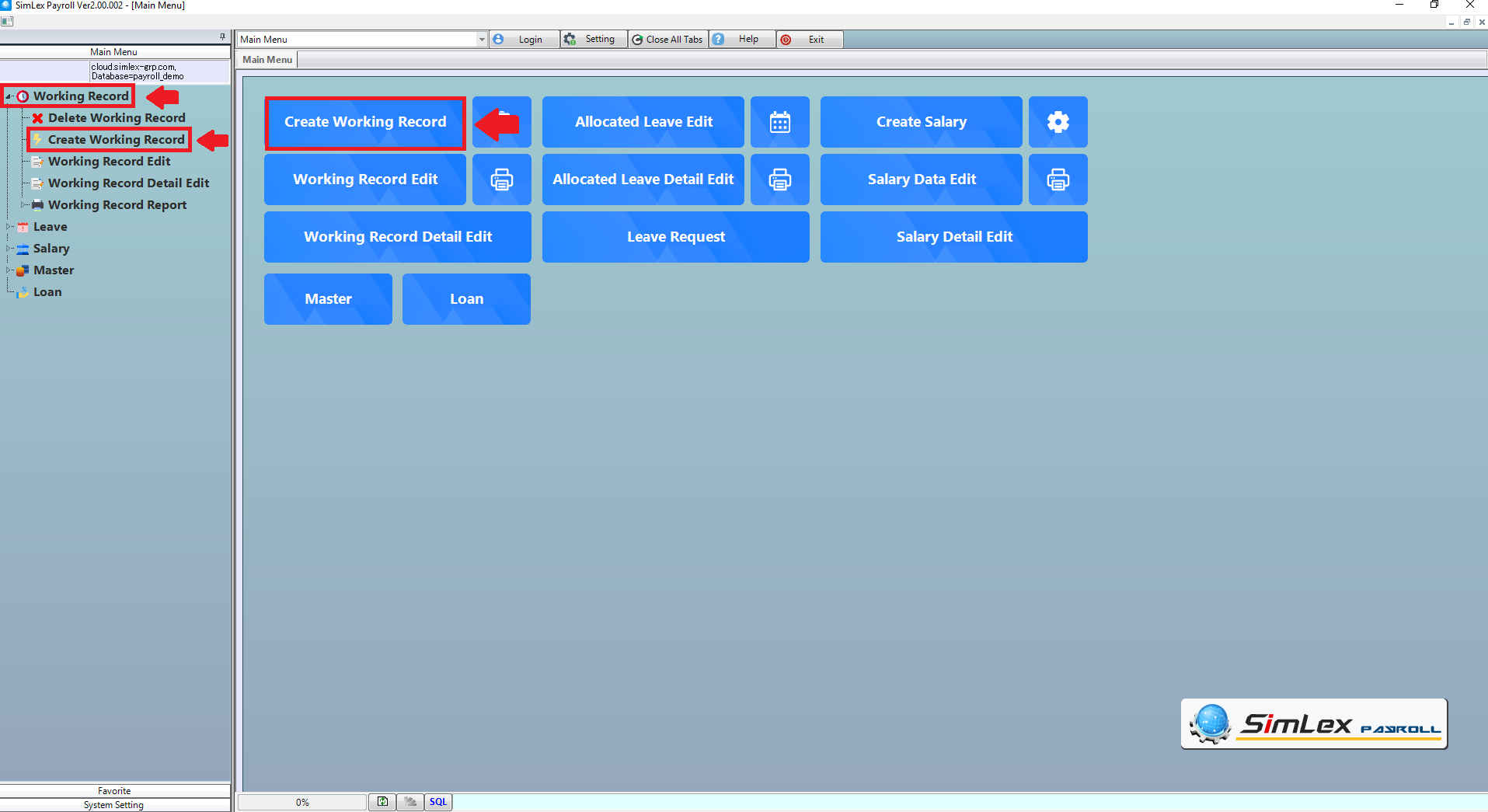
Picture 1 click menu create working record.
2. The system will display the information window, then click <checkbox>
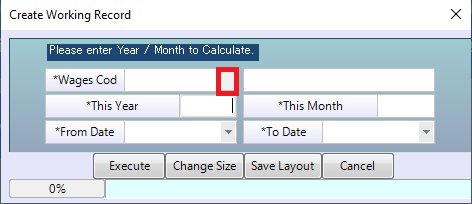
Picture 2 the system displays the information window.
3. Select wage type. Click <OK>
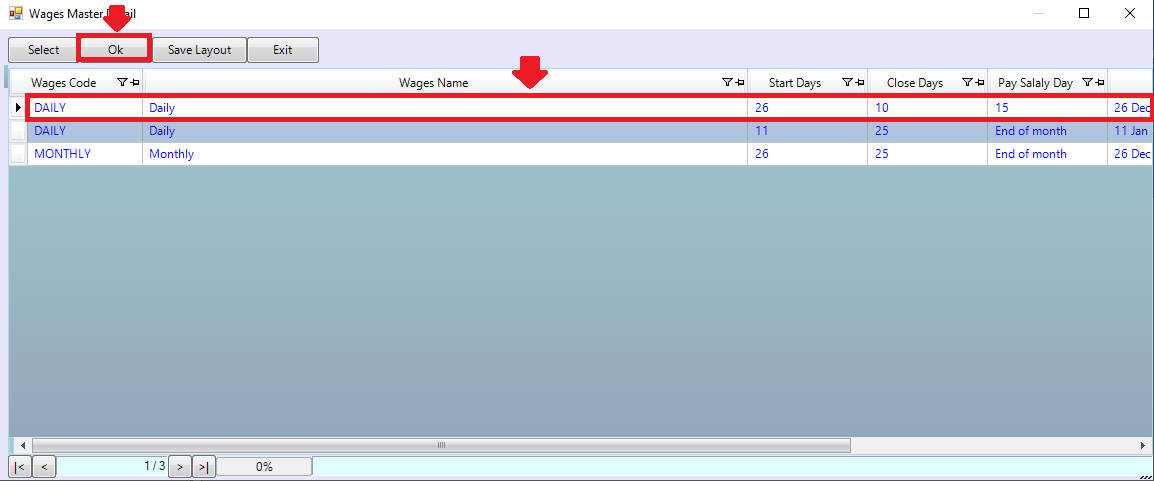
Picture 3 select wage type.
4. The system will display the selected information, click <Execute>
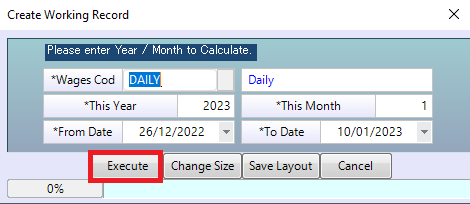
Picture 4 The system displays information.
| Field name Main menu | Information detail |
| Wages Cod | Select Wages Cod |
| This Year | The system display work record of the last year. |
| This Month | The system display work record of the last month. |
| Execute | The system will create working record. |