Salary Setting Record
When editing the salary settings menu information and saving the information. The system will create a history of various edited data. The information will be displayed in this menu. How to browse information You can view it as follows.
1. Click <Master> from the main menu or double click from the left menu <Master> and then double click on the menu <Salary Setting Record>.
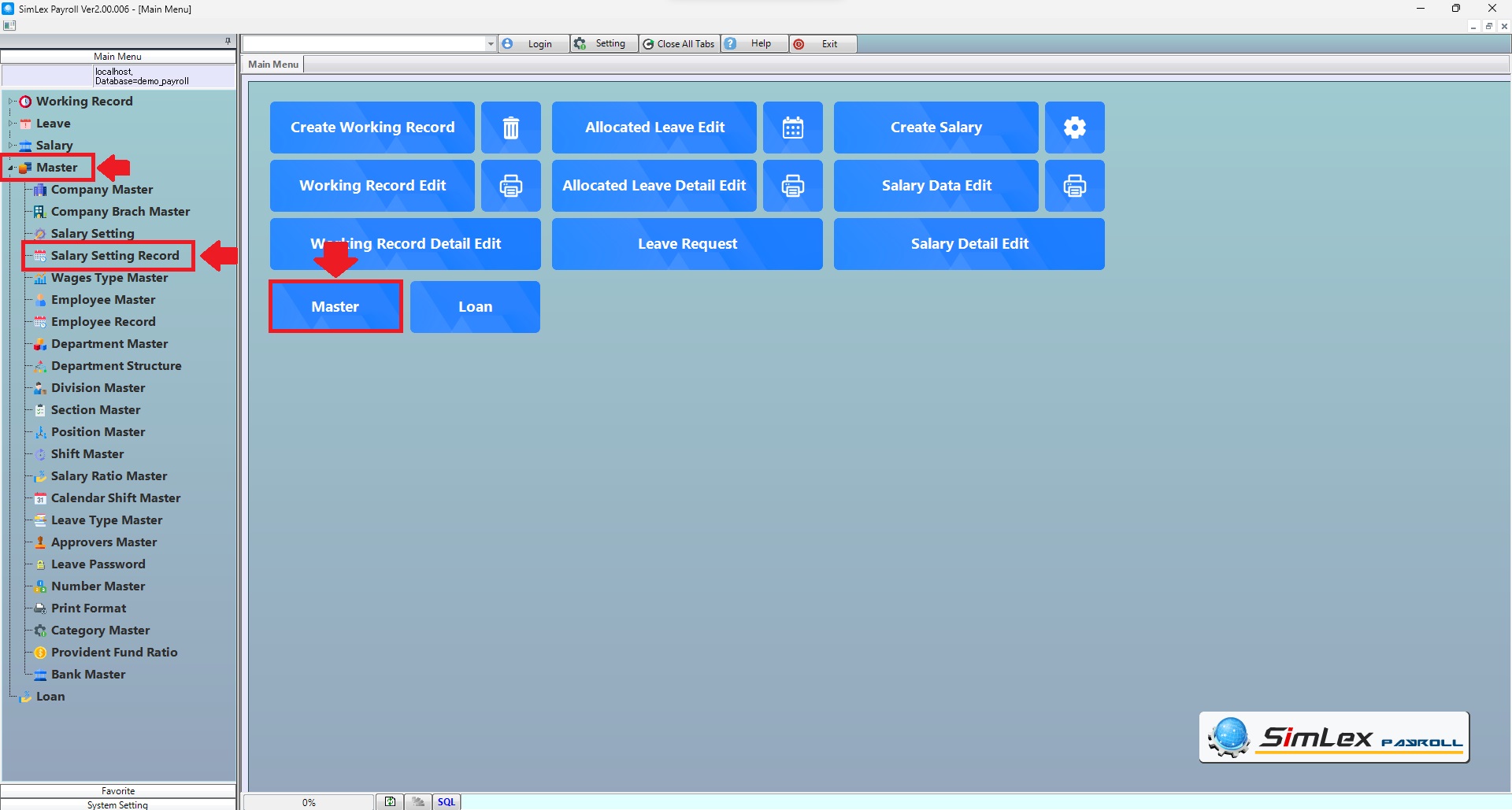
Picture 1 Click menu Salary Setting Record.
2. The system will display an information window.
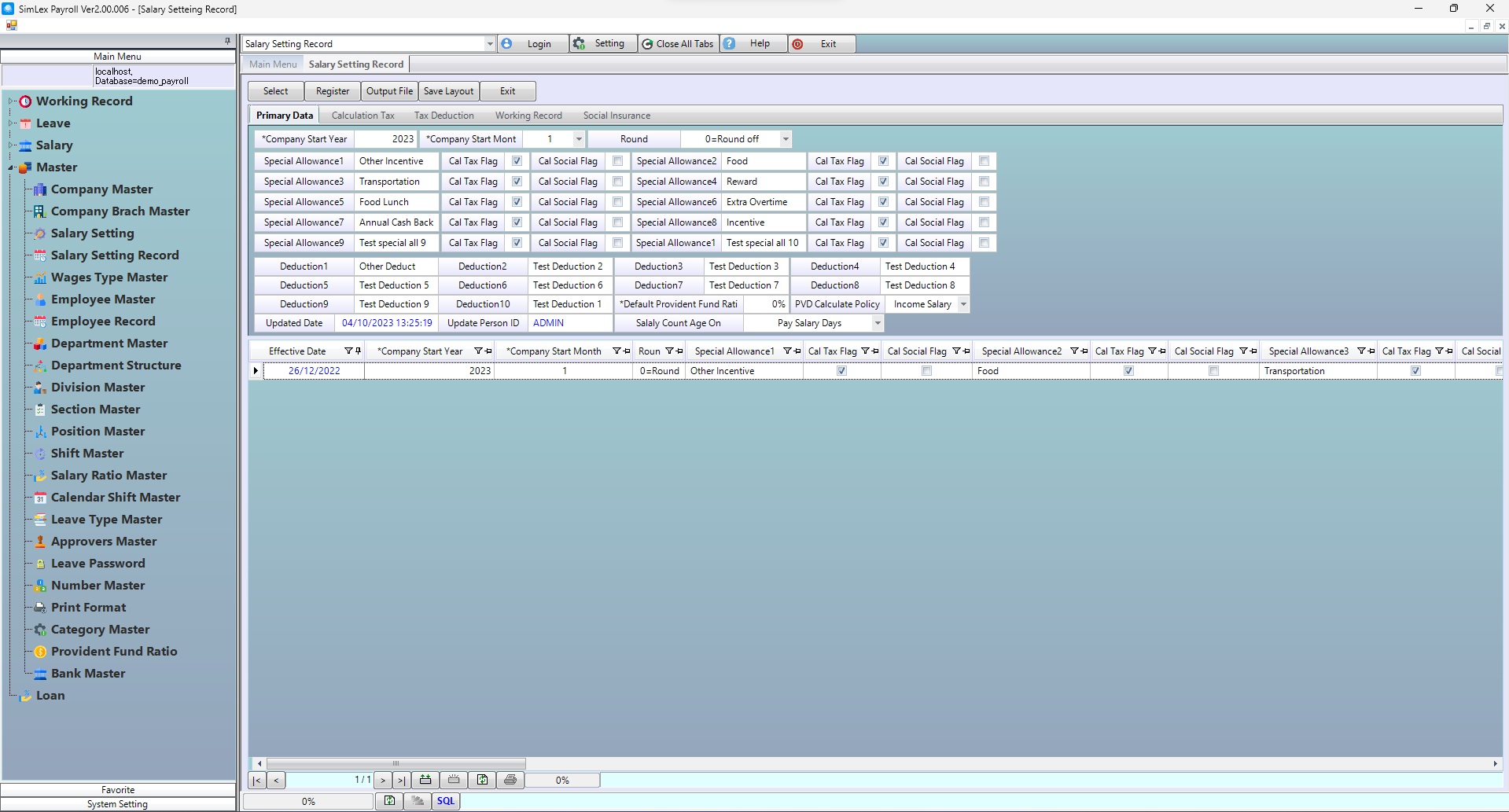
Picture 2 The system displays the information.