Salary Data Edit
When you want to check your salary payment In order for the system to correctly calculate the salary and income of employees in the company, You can check with the following steps.
Remark : This is the menu used to view information. It is not recommended to edit data. To edit, use the menu <Salary Detail Edit>. It will be in the next menu.
1. Click <Salary Data Edit> from the main menu or double click from the left menu <Salary> and then double click on the menu <Salary Data Edit>.
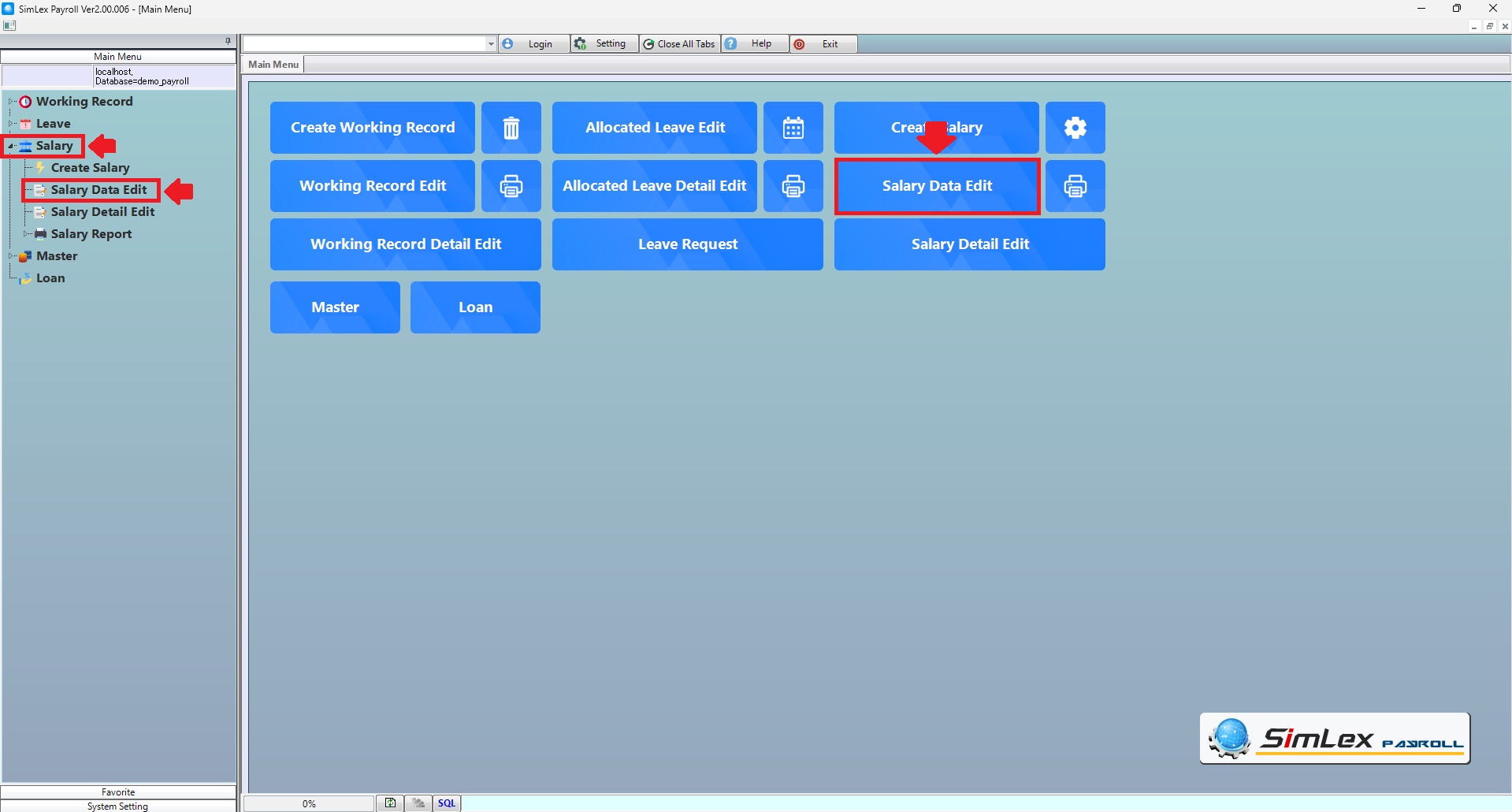
Picture 1 Click Menu Salary Data Edit.
2. The system displays the information, then click <+>.
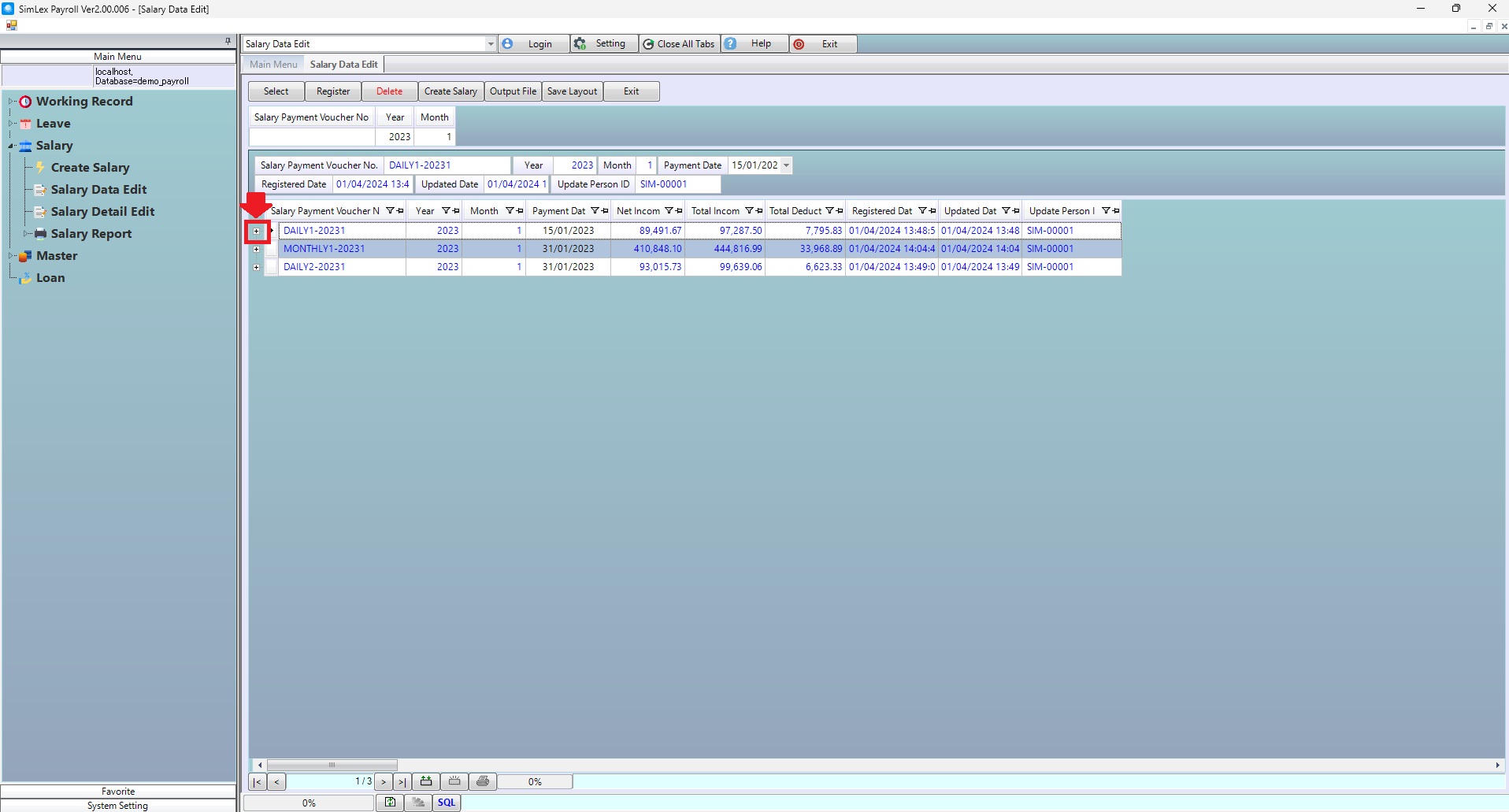
Picture 2 The system displays the information.
3. The system displays the information.
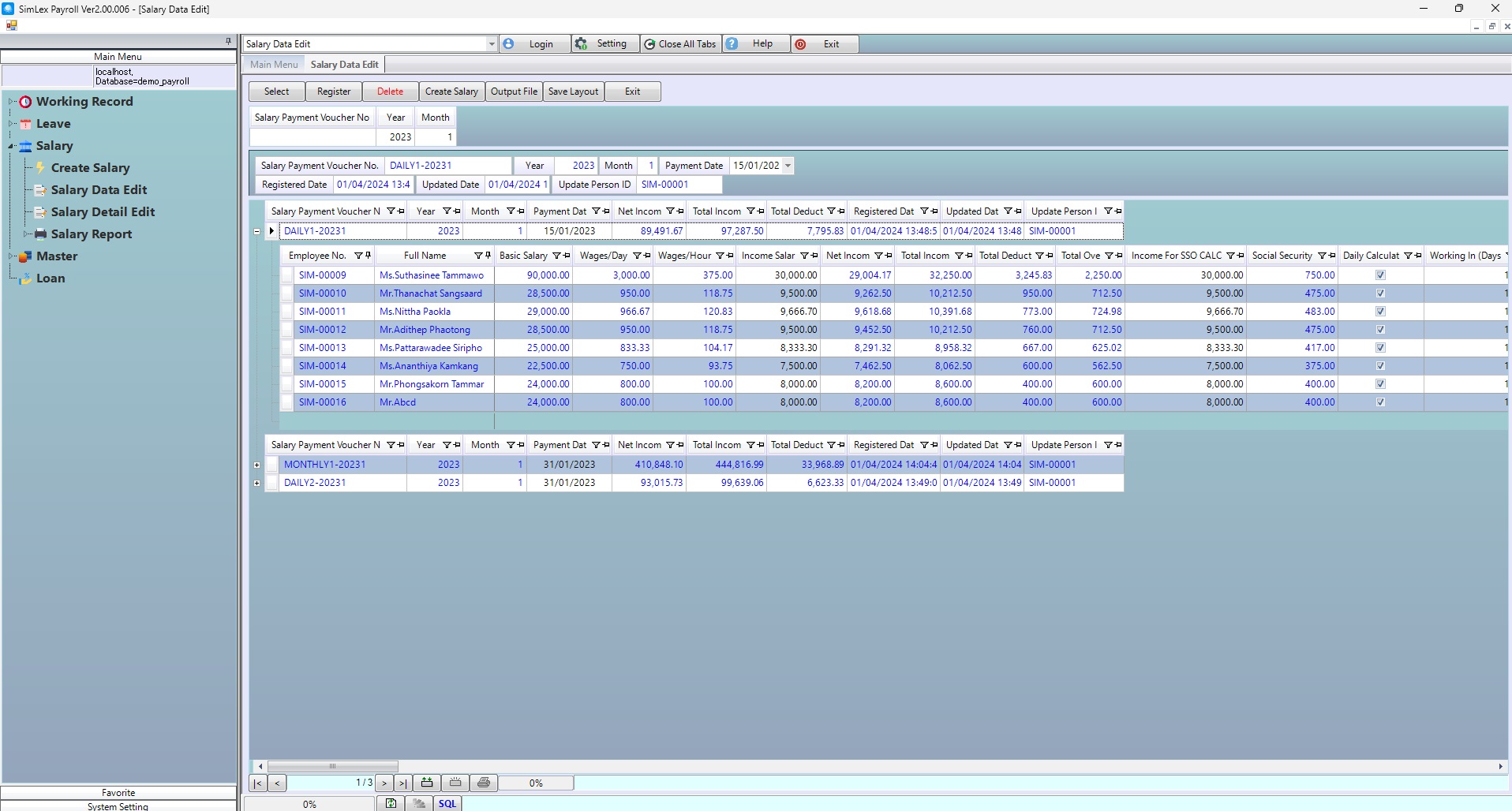
Picture 3 The system displays the information.
If you want to view your slip on the website, check the box <Approval Flag>. When finished, click <Register>.
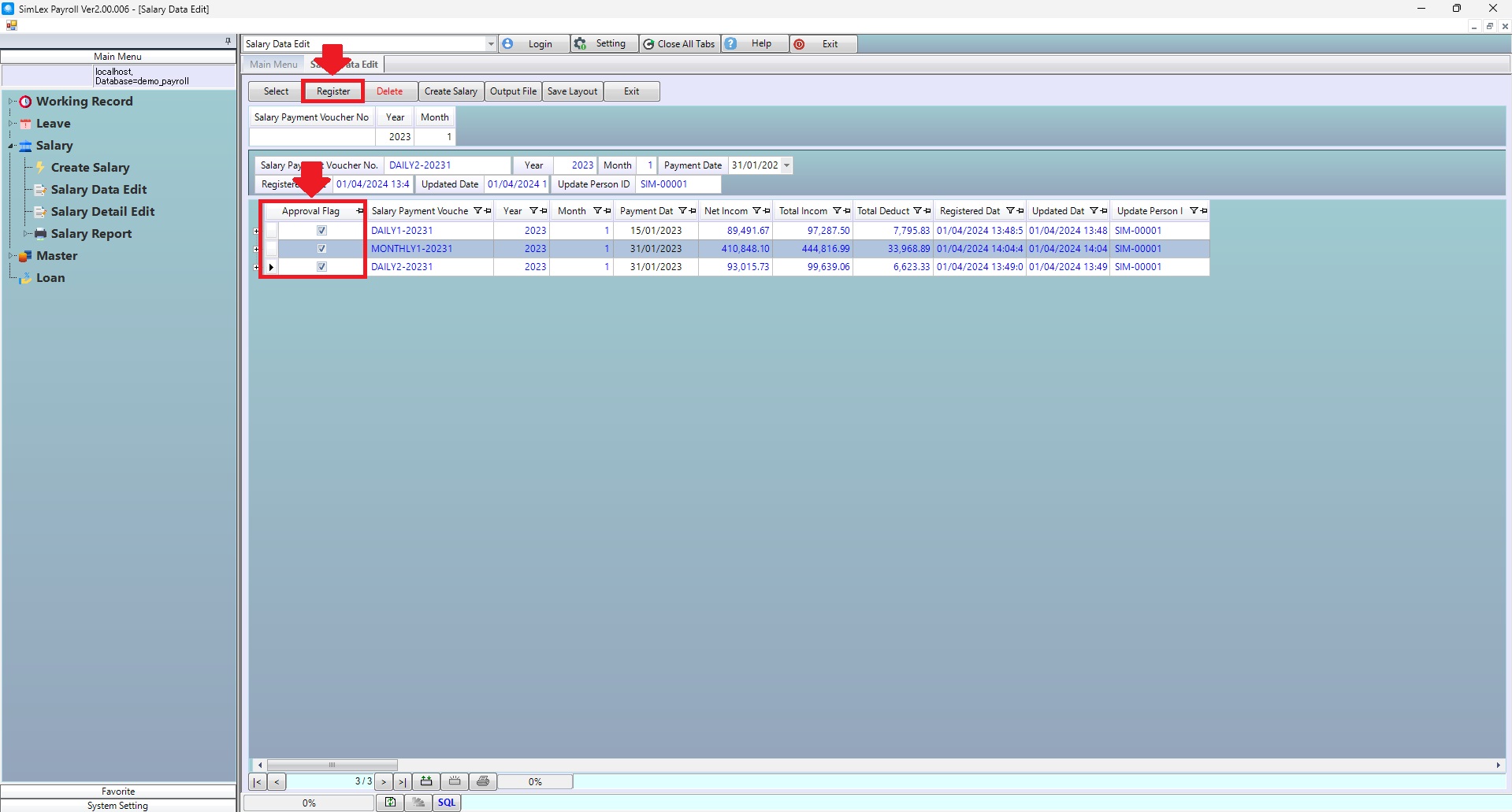
Picture 4 The system displays information.
| Field name main menu | Information detail |
| Salary Payment Voucher No | Enter salary payment voucher no. |
| Year | The system auto displays information. |
| Month | The system auto displays information. |