Working Record Edit
When you want to check the work records regarding the attendance of employees in the company. You can check with the following steps.
Remark : This is the menu used to view information. It is not recommended to edit data. To edit use the menu <Working Record Detail Edit> It will be in the next menu.
1. Click button <Working Record Edit> the Main Menu or double-click <Working Record> from the left menu, then double-click <Working Record Edit>.
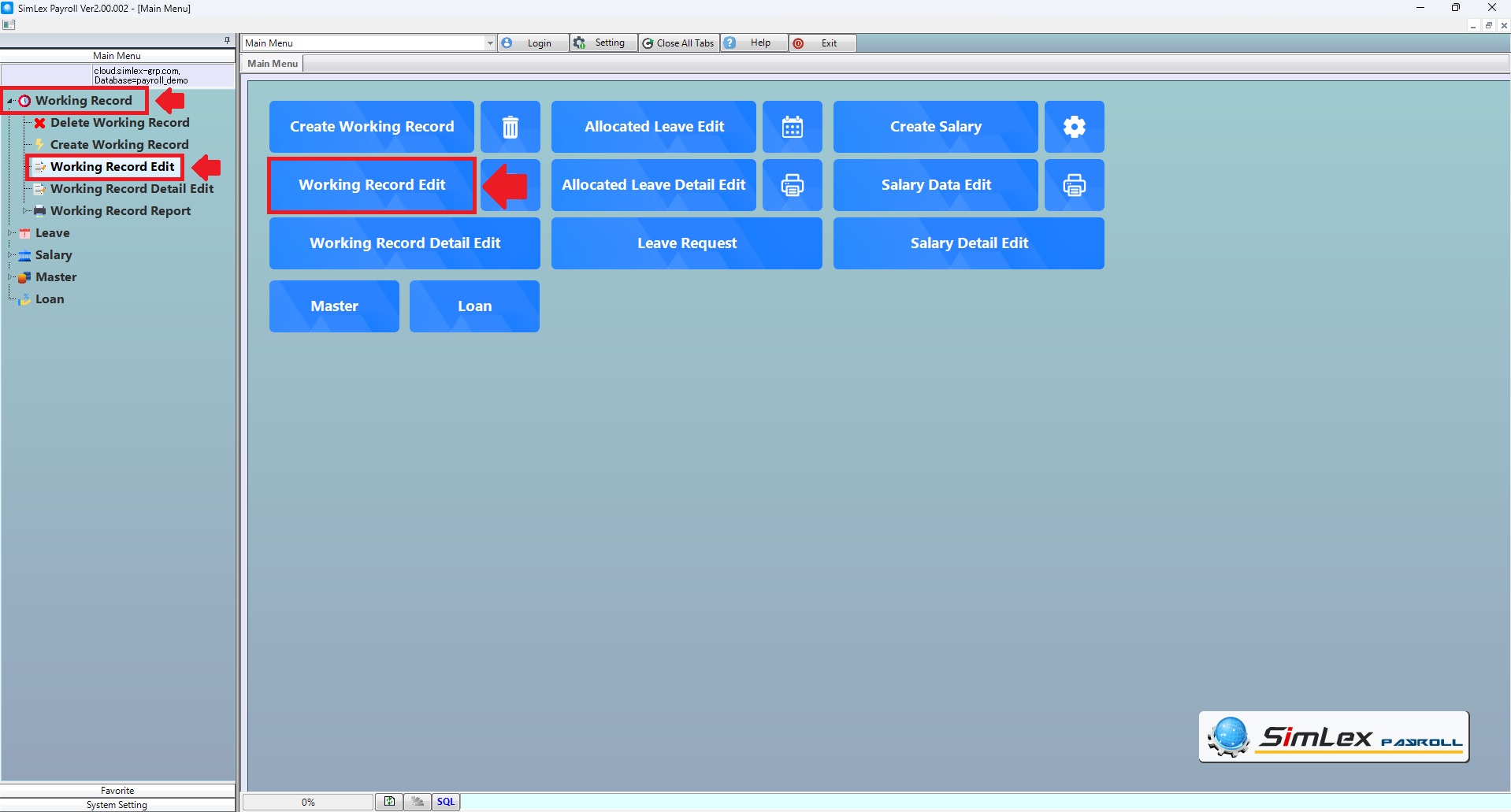
Picture 1 Click Working Record Edit
2. The system will display the information window, and then click button “plus sign”. <+>
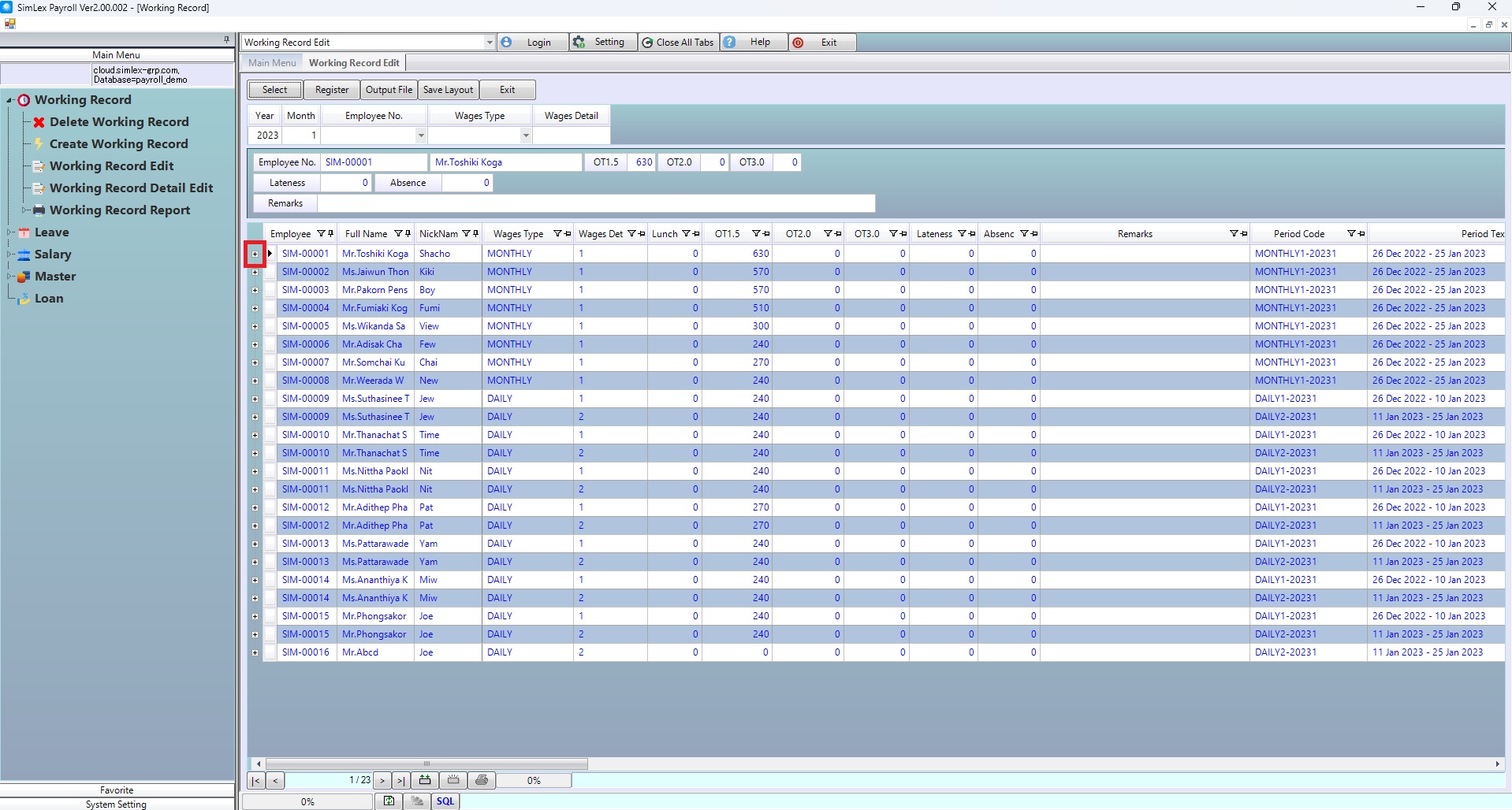
Picture 2 The system display the information window
3. The system shows more details.
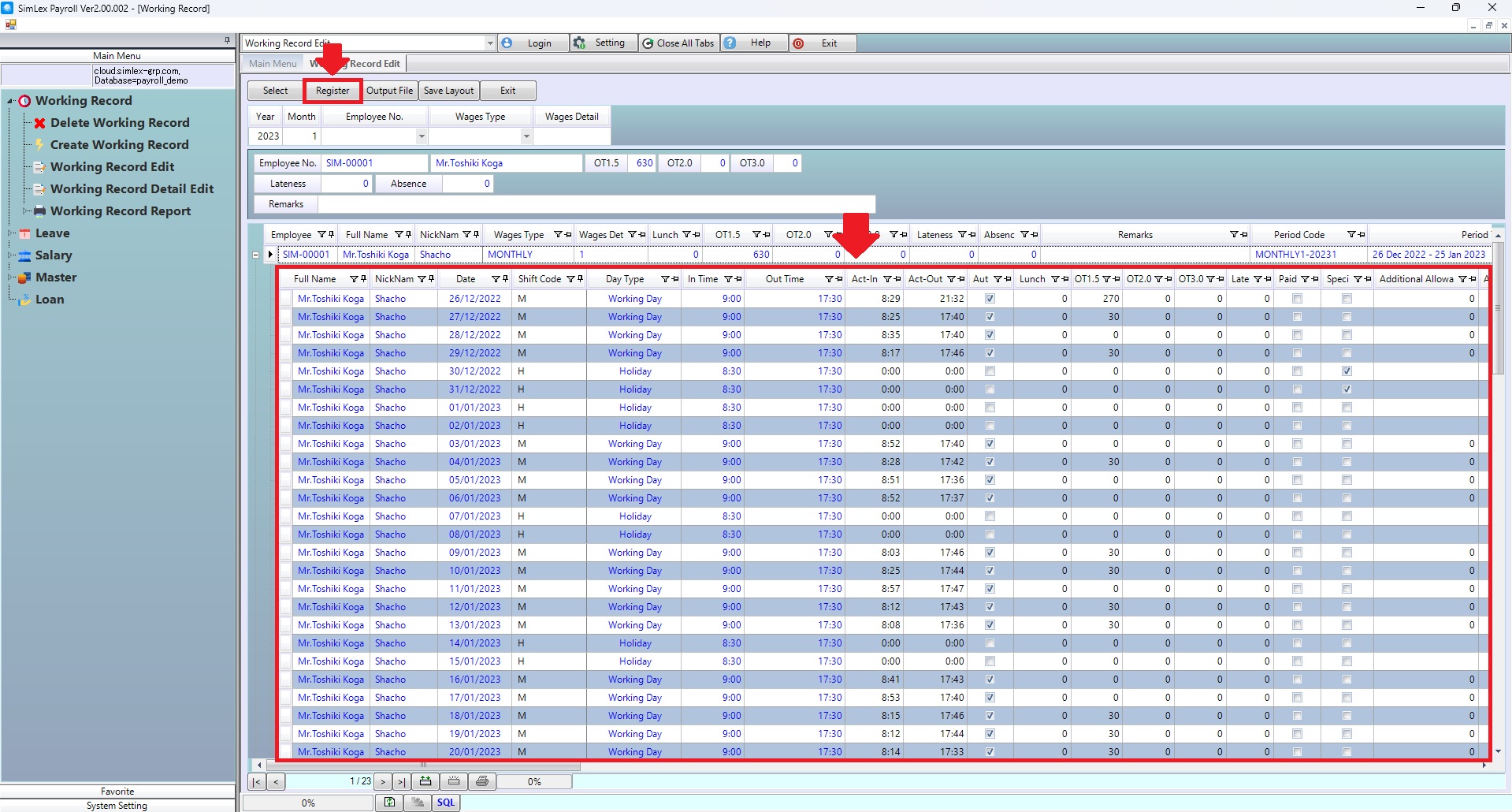
Picture 3 The system shows more details.
| Field name main menu | Information details |
| This year. | The system displays the year the last record was created. |
| This month. | The system displays the month in which the last log was created. |
| Identification number. | Select employee code |
| wage type | select wages type |
| wages detail | Choose a wages detail code. |